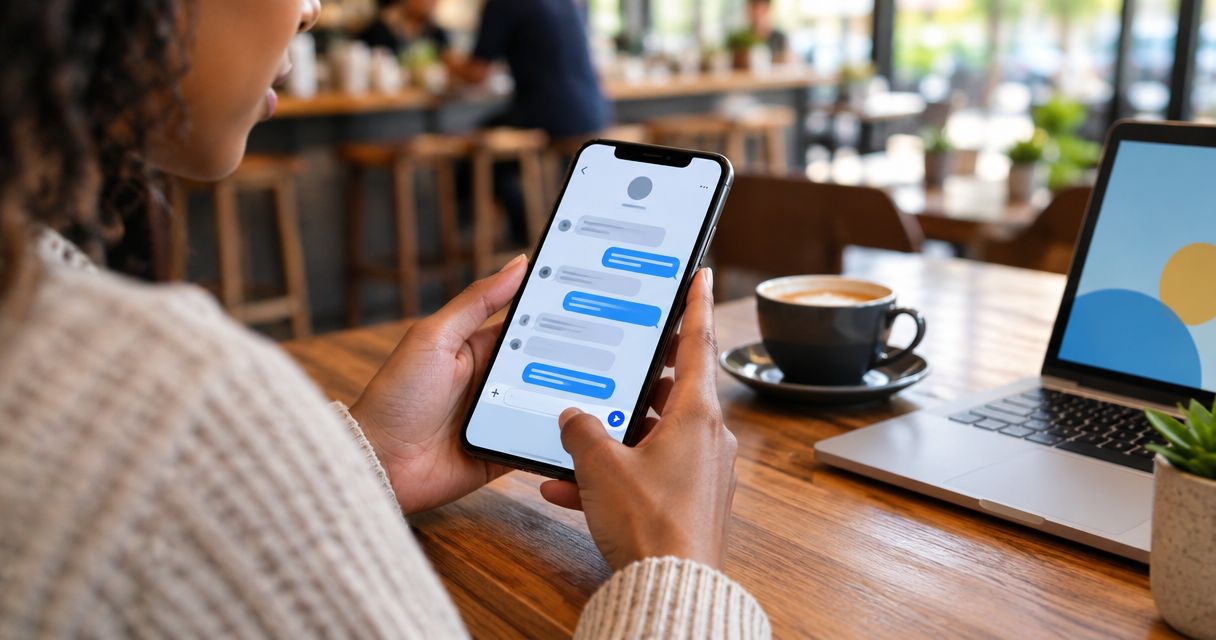
Instead of hunting for an old Google messaging button, find Mess Hall Harlem in Google Search or Maps and use the bar’s contact page to choose a direct contact method. In 2026, Google Business Profile’s former built-in chat is no longer available; a separate text or WhatsApp option works only when a business has added it to its profile.
- For the search message bar google business profile, use current contact options—not Google’s retired built-in chat.
- Mess Hall Harlem is best for locals and first-timers seeking a casual Central Harlem bar.
- Google Maps helps you find the business; a sent inquiry does not confirm your plans.
- Use text or WhatsApp only when the business profile actually offers that option.
Why this matters
Google Business Profile is a place to find contact options, not a guaranteed messaging inbox. Google Business Profile Help states that its former chat feature ended on July 31, 2024. That shutdown covered the built-in Business Profile chat, not every separate way a business can receive a message.
For your 2026 visit, the useful distinction is between finding the bar and reaching someone who can answer your question. A Google listing can help with the first task without providing a working channel for the second.
Mess Hall Harlem is a neighborhood bar in Central Harlem serving craft beer, bourbon, and original cocktails. That makes it a fit for a casual night out, but the description does not establish a messaging service, reservation policy, or response deadline. Ask about the particular plan you have rather than treating a listing as confirmation.
Before you start
- Have access to Google Search or Google Maps. You do not need to manage the business profile to look up public business details. If you follow a separate messaging option, you need access to that service.
- Prepare 3 planning details: your intended date, arrival time, and group size. Add the specific question you need answered, especially if your plans depend on permission or an arrangement.
- Expect the old chat instructions to fail. Reinstalling Maps will not restore Google’s retired built-in chat. Use the contact methods currently displayed by the business instead.
Keep sensitive information out of your opening inquiry. A question about visiting a bar does not need payment-card details, identification documents, or a full guest list.
Business profile lookup
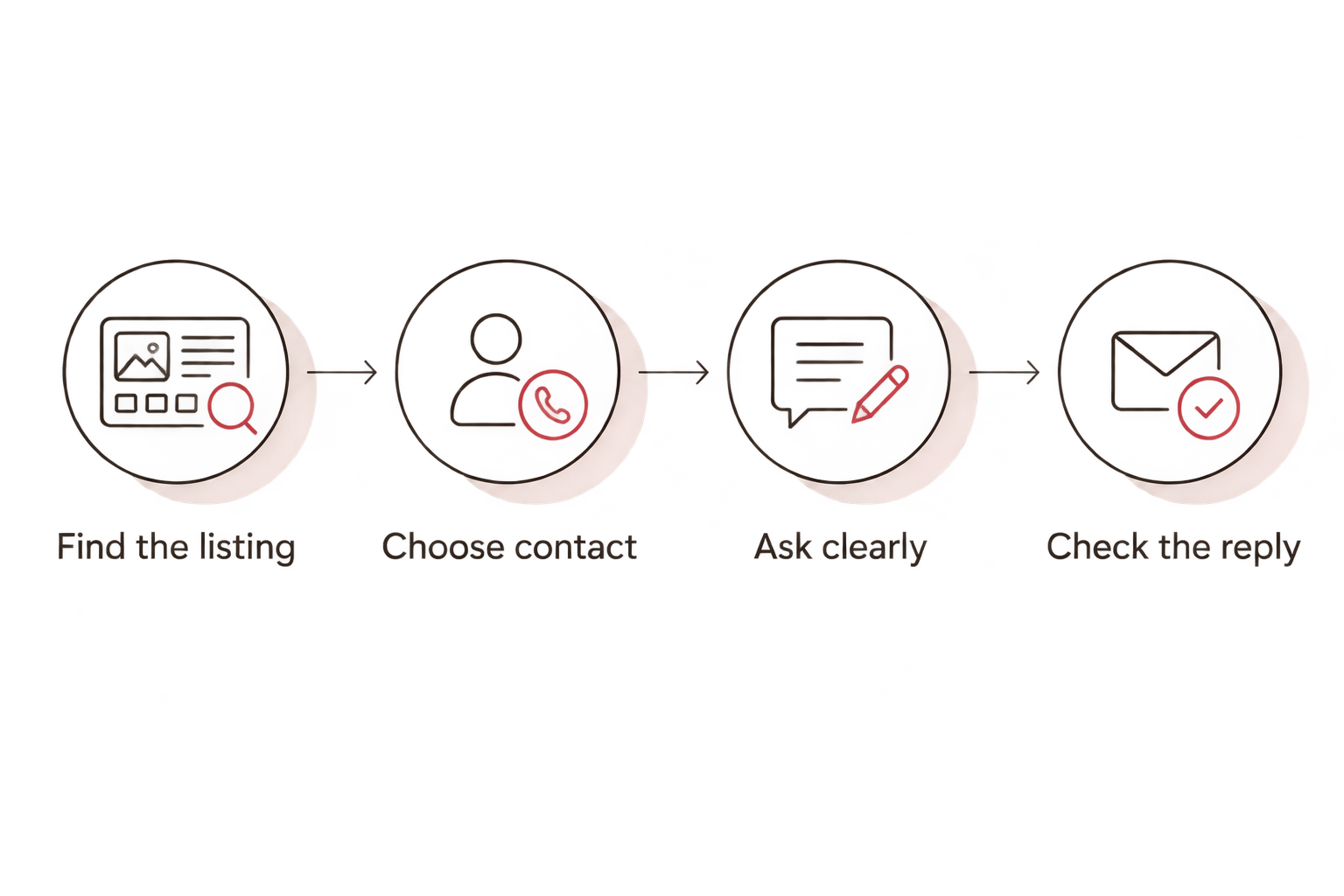
Find the right listing
- Open Google Search or Google Maps and search for the bar’s full name together with Harlem, New York. Avoid searching only for a generic phrase such as neighborhood bar.
- Open the business result and compare its name, neighborhood, and website destination with the business you intend to contact. If Google presents several results, resolve the mismatch before sending anything.
- Look for the contact actions actually displayed. Website opens the listed website; Call, when shown, starts a call through your device. Treat any separate messaging option as its own contact route.
Expected result: You have identified the intended business and can distinguish its website, telephone, and any messaging actions without assuming all three exist.
A listing photo or a familiar-looking name is not enough to verify the destination. Check the website domain too, particularly when opening a result from a broad search.
For this 2026 workflow, you are looking for a usable contact route—not a particular arrangement of buttons. Google Search and Maps do not always display business information in the same layout, so follow the action’s purpose rather than an old screenshot.
Choose the contact route
The table below compares contact methods, not confirmed services at the bar. Best for describes when to choose each method if the business provides it.
| Contact method | Best for | Advantage | Limitation |
|---|---|---|---|
| Website contact information | Finding the business’s published contact route | Gives you a direct place to check how to reach the business | Opening the page does not send an inquiry |
| Telephone, if listed | A time-sensitive question | Allows a live conversation if someone answers | An unanswered call does not resolve your question |
| Text or WhatsApp, if offered | A short written question | Keeps the question and reply together | Requires a working, business-provided messaging option |
Do not choose a channel just because it feels familiar. Choose one that the business publishes and that fits the urgency of your question.
Direct contact setup
Open the published contact method
- Open the contact page linked above, or use Website on the verified profile and locate the site’s contact information. Check the destination before entering personal details.
- Use the contact method actually shown there. If the page provides an email address, telephone number, or form, follow that method; do not assume a particular field or submission button exists.
- If the Google profile offers a separate messaging action, check which service it opens and confirm the recipient before composing your message. Stop if the destination does not match the intended business.
Expected result: You are in a contact channel published by the business, rather than typing into an unrelated listing, review box, or retired Google chat feature.
The website route is useful because you can check the business’s own contact information. Its limitation is simple: a contact page is not itself a conversation. You still need to complete the action it directs you to take.
If you choose telephone contact, write your question down first. That keeps the conversation focused and helps you record the answer accurately without asking the same thing through another channel.
Write a question someone can answer
- Start with the purpose of your visit. Explain whether you are asking about a casual visit, a group plan, or a particular requirement.
- Add your date, approximate arrival time, and group size. Use a written month name so the date is clear to the recipient.
- End with 1 main question. Ask directly whether the plan needs an arrangement in advance, rather than combining several unrelated requests.
Expected result: The recipient can understand your plan without first asking when you mean, how many people are coming, or what you need.
A useful structure is 2 short sentences: the first gives your visit details; the second asks your question. These are writing recommendations, not the bar’s submission requirements.
For a 2026 visit, include the year when discussing a date far ahead or when an existing conversation spans different years. Clear dates matter more than a polished introduction.
You can keep the tone friendly and ordinary. Locals and first-timers need the same practical answer: what needs confirming before everyone makes plans?
Reply and confirmation check
Separate delivery from agreement
- Send your inquiry through your chosen channel. If that channel shows a submission confirmation or sent status, retain it for your records.
- Read the response for an answer to your actual question. A greeting, receipt acknowledgment, or automated message does not establish that your requested arrangement is accepted.
- Save the reply and identify anything still unresolved. If you need permission for a specific plan, ask for a direct answer before treating that plan as settled.
Expected result: You know whether you have merely sent a question, received an acknowledgment, or obtained an answer you can act on.
A sent message is not a confirmed arrangement. This distinction matters when friends or coworkers are waiting for you to share the final plan.
If the response answers only part of your inquiry, follow up on the unanswered part in the same conversation. Keep the relevant date and group details visible so the recipient does not have to reconstruct the plan.
Do not add a reservation to your calendar as confirmed simply because you contacted the business. Record it as an inquiry until the response supports a firmer description.
When your plans change
An updated plan is a second workflow, not a reason to restart the whole conversation. Use the existing thread when possible so the original question and answer remain together.
- Identify the original visit date and explain what changed: arrival time, group size, or the request itself.
- State the new details plainly. Avoid asking whether everything is still fine without explaining what is different.
- Ask whether the earlier answer still applies, then wait for a response before sharing the revised plan as confirmed.
Expected result: Both sides can distinguish the original arrangement from the proposed change.
For example, an answer about a small group does not automatically answer a question about a larger gathering. Likewise, an answer for one date does not establish the same arrangement for another.
Keep updates in the original contact channel unless you need to switch. If you do switch, summarize the earlier inquiry and say where you sent it; do not assume conversations transfer between services.
Troubleshooting
There is no Google message button
Google’s former Business Profile chat ended on July 31, 2024. In 2026, the missing legacy button is not a problem you can fix in your phone’s settings.
Fix: Use the business’s published contact information. Follow a separate text or WhatsApp action only if the profile offers one.
A messaging action opens the wrong destination
A messaging link takes you outside the business listing, so the destination deserves its own check. Do not send personal or planning details while the recipient is uncertain.
Fix: Stop and return to the business’s website contact information. Verify the intended recipient before trying again.
You sent an inquiry but received no answer
Silence does not confirm your plans or establish why the business has not replied. Sending the same message repeatedly does not resolve that uncertainty.
Fix: Check that your original message went to the intended recipient. If the question is time-sensitive and a telephone number is published, use that route and mention the earlier inquiry.
Your question appeared as a public review
A Google review is public feedback, not a private contact thread. It is the wrong place for personal details or a request that needs a direct answer.
Fix: Remove personal information you posted publicly and move the question to a published contact channel. Do not wait for a review response as though it were a reservation reply.
The reply does not answer your question
An acknowledgment tells you the inquiry reached a channel; it does not necessarily answer the inquiry. Read for the actual decision or information you requested.
Fix: Reply with the unresolved question in a single sentence. Repeat only the visit details needed to make that question clear.
Customize your workflow
Match the question to the plan. A casual visit needs a different inquiry from a larger gathering, and a request involving a particular requirement needs that requirement stated directly.
Keep the reply somewhere you can find it before leaving. When sharing plans with your group, separate confirmed details from open questions instead of forwarding an optimistic summary.
For future visits, save the business’s contact page rather than an old screenshot of Google’s buttons. The page remains a useful starting point even when the way Google displays contact actions changes.
FAQ
Can I message Mess Hall Harlem directly through Google Business Profile?
Do not rely on Google Business Profile’s former built-in chat; Google ended that feature on July 31, 2024. Use the bar’s published contact information, or a separate messaging option only if its profile actually provides one.
Why can’t I find the message button on Google Maps?
Google’s former Business Profile chat is no longer available. A separate text or WhatsApp option requires business setup, so you should not expect every listing to have one.
What should I do after searching message bar google business profile?
Find the intended bar’s listing, verify its website destination, and choose a published contact method. Do not follow instructions that depend on Google’s retired built-in chat.
Do I need a Google Business Profile account to contact a bar?
You do not need to own or manage a Google Business Profile to look up a bar’s public contact information. A separate messaging service can require its own account or app.
What details should I include in a message to a bar?
Include your intended date, arrival time, group size, and main question. State any requirement that affects whether your visit can go ahead.
Does a sent message count as a reservation?
No, a sent message does not count as a confirmed reservation or arrangement. Wait for a reply that explicitly addresses your request before treating it as settled.
Should I send a new message if my group size changes?
Update the existing conversation and ask whether the earlier answer still applies. State the revised group size clearly rather than assuming the original response covers it.
One last thing
The most useful part of your message is the question at the end. A friendly introduction gives context, but a direct question tells the recipient what you need to decide.
Before sending, check that someone could answer without asking which date, what time, or how many people. That small edit makes the conversation easier for everyone.