Instead of manually comparing search snippets before a night out, search Google Maps for Mess Hall Harlem, expand its hours, and confirm happy hour separately through the bar’s own contact details. This workflow separates opening hours from happy hour hours so you can plan around the right schedule.
- For mess hall harlem hours google maps searches, check opening hours first and confirm happy hour separately.
- Mess Hall Harlem is best for locals and visitors seeking a casual neighborhood bar with craft beer, bourbon, and cocktails.
- Google Maps’ Open status describes business hours; it does not confirm that happy hour is running.
- Confirm your visit date, happy hour start, and happy hour end before sharing the plan.
Why this matters
An open bar and an active happy hour are different things. Google Maps can help you find a business and check its displayed opening schedule, but those hours do not establish a separate happy hour window.
For a 2026 visit, use the listing as your starting point, then check the Mess Hall Harlem website or contact the bar through verified business details. The goal is not to collect more screenshots. It is to establish which schedule applies to your actual visit.
Keep 2 time windows separate: when the bar is open and when happy hour applies. A plan based on the first window alone does not answer the second question.
Before you start
- Have Google Maps and your visit date ready. Use the mobile app or a desktop browser. You can look up a business without signing in; saving places to your account requires a Google account.
- Have access to the business website or a phone. You need a direct confirmation route if the listing does not explicitly identify happy hour hours for your intended day.
- Watch for the non-obvious gotcha: general hours are not happy hour hours. An Open indicator, a closing time, or a weekly opening schedule does not establish happy hour. Photos and reviews also need a date and context before you rely on them.
Set your intended visit date before searching. If someone says “Friday,” put the calendar date in your notes so nobody mistakes this week’s plan for next week’s.
Find the correct business listing
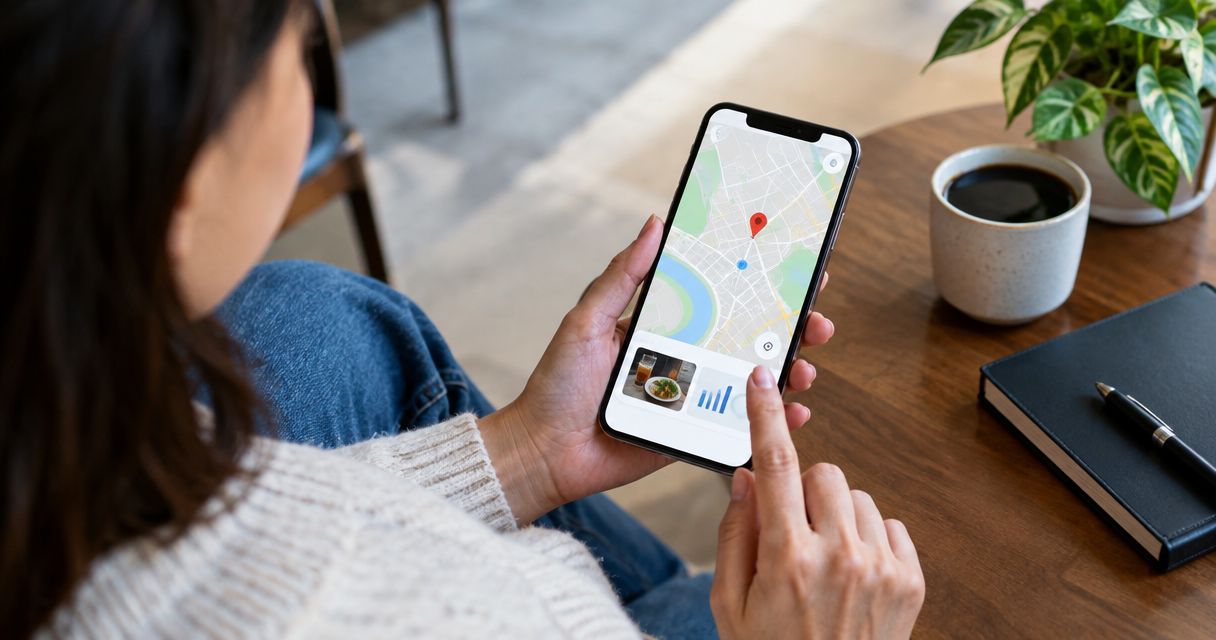
- Open Google Maps and enter Mess Hall Harlem in the search field. Add Central Harlem, New York if the results need narrowing.
- Open the business result rather than relying on the search preview. Check that its name and location match the neighborhood bar you intend to visit.
- Look for Website in the business details. Check the destination before relying on it; the official domain is messhallharlem.com.
- If you want to keep the listing handy, select Save and choose an appropriate list. Use this as a shortcut back to the business, not as a record of confirmed hours.
Expected result: You have the correct place open and a route to its official website. You have not yet confirmed happy hour.
The location check matters when a name is similar to another business or Maps opens a result from an earlier search. A familiar name is not enough. Match the neighborhood and website before using the contact buttons or asking friends to meet there.
For your 2026 plans, treat a saved listing as a bookmark. Saving a place does not freeze its schedule or turn a displayed opening time into a happy hour start time.
Check the opening-hours schedule
- Find the hours information on the business listing. Select the displayed opening status or hours row to expand the weekly schedule; the presentation differs between the app and desktop.
- Read the entry for your intended day. Do not copy today’s closing time if your visit falls on another weekday.
- Look for date-specific notices, special hours, or a warning that holiday hours might differ. If your date has an exception, keep that exception separate from the regular weekly schedule.
- Record the business opening and closing times in a note headed Opening hours. Leave happy hour blank until you have a source that explicitly addresses it.
Expected result: You know what Google Maps displays for the bar’s opening schedule, including any visible exceptions. You have not substituted those times for happy hour.
If the schedule crosses midnight, read the day labels carefully. A closing time after midnight belongs to the preceding evening’s outing, even though your calendar has moved to the next date.
Which source answers which question?
Use each source for the question it actually answers. None of these sources should silently stand in for another.
| Source | Best for | Useful part | Limitation |
|---|---|---|---|
| Google Maps hours | Checking displayed opening times | Shows a business-hours schedule and visible exceptions | General hours do not establish happy hour |
| Official website | Finding business-published information | Can provide relevant details when explicitly stated | Undated information does not confirm your particular visit date |
| Direct contact | Resolving a specific date or conflicting schedules | Lets you ask about the exact day and time | You still need a response that answers the happy hour question |
Use Maps for the opening schedule and direct confirmation for an unresolved happy hour question. That division prevents a confident-looking listing from answering a question it never addressed.
Confirm the happy hour window
- Select Website on the verified listing, or open the official website directly. Look for an explicit happy hour schedule rather than general opening times.
- Check whether the information names the applicable weekdays and a start and end time. If it includes a publication date, make sure it relates to your intended visit rather than an old event.
- If the schedule is missing, unclear, or inconsistent, use Call on the verified listing when that button is present. Otherwise, use a contact method published by the business.
- Ask whether happy hour is running on your specific date, when it starts, and when it ends. If you are arranging a group visit, also ask whether anything about that visit changes the answer.
- Write the answer beside Happy hour in your note. Record when you received the confirmation and the date it covers.
Expected result: You have an explicit answer about happy hour for your intended visit, or you know that the happy hour portion of the plan remains unconfirmed.
A useful question is short and complete: ask whether happy hour applies on your named weekday and calendar date, then ask for its start and end time. Asking only when the bar opens sends the conversation back to general business hours.
Keep 3 details together: the visit date, the happy hour start, and the happy hour end. If one remains unanswered, do not fill it in from a review or assume it matches a different weekday.
A photo of a sign can help you decide what to ask, but it does not establish that the same schedule applies now. Check its date and wording, then resolve any uncertainty with the business before presenting it as confirmed.
Save and share the confirmed plan
- Create 1 calendar entry for the outing. Include the full date and intended arrival time rather than only a weekday name.
- Add separate lines for Opening hours and Happy hour. Include the source and confirmation date beside the happy hour information.
- Share the verified business listing with your group using your device’s sharing controls. Put the confirmed schedule in your message so friends do not have to reconstruct it from screenshots.
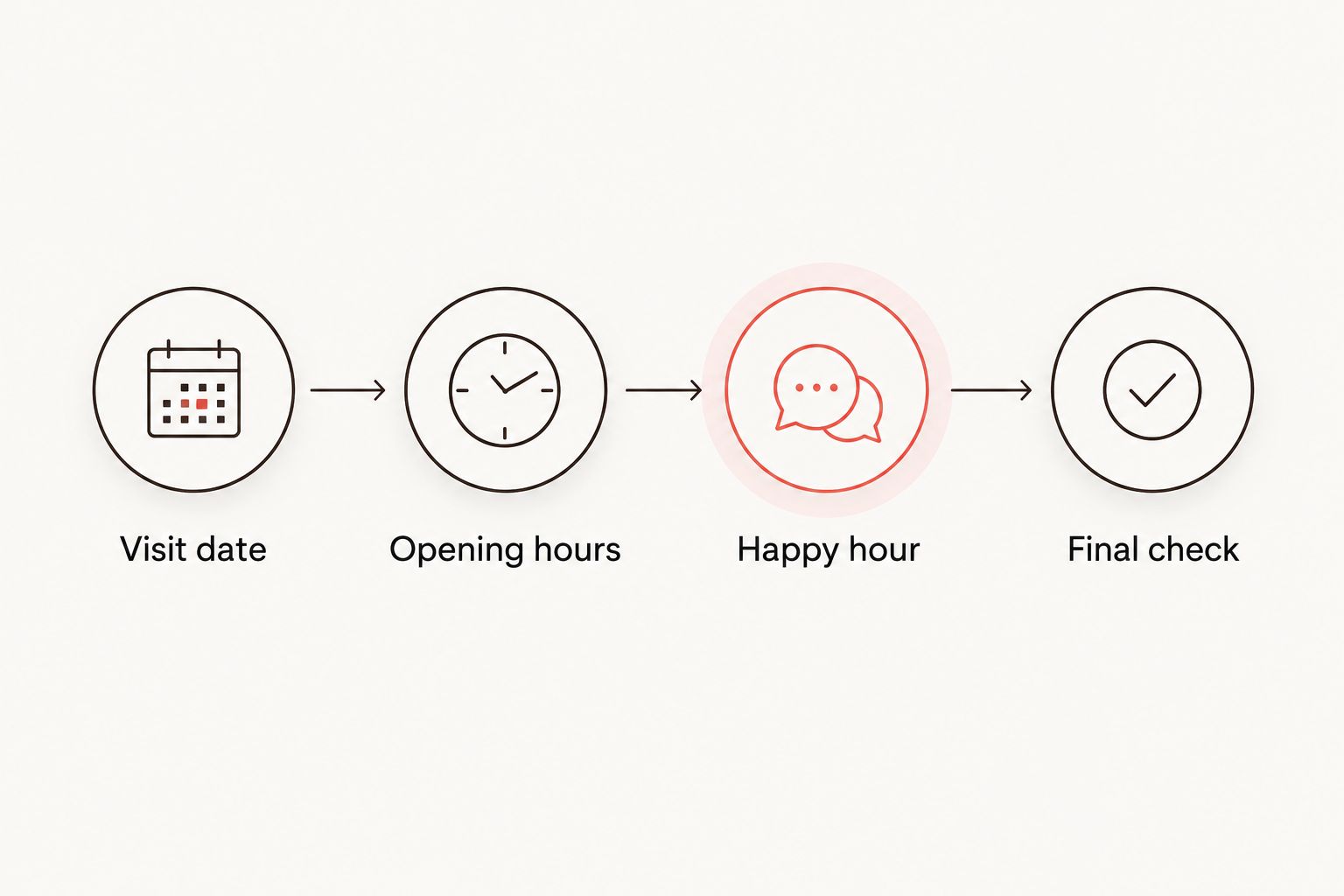
- Make a Final check before departure if the plan depends on happy hour or your visit falls on a holiday. Reopen the listing and resolve any new conflict with the business.
Expected result: Everyone has the same destination, date, arrival time, and clearly identified happy hour information.
For a 2026 group outing, a current confirmation is more useful than a screenshot with no visible date. Keep the note brief enough that someone reading it on the way can understand it immediately.
Do not describe a plan as confirmed merely because you saved the location. The useful milestone is an explicit answer covering the date and window you intend to use.
Recheck when your visit date changes
A date change creates a second workflow: keep the destination, but repeat the schedule check. Moving an outing from a weekday to a weekend is not just a calendar edit.
- Change the date in your calendar entry first. Remove the old happy hour window from the shared plan until you verify the replacement.
- Reopen the listing’s hours and inspect the new day. Check for any special-hours notice relevant to that date.
- Confirm happy hour for the replacement date through explicit business-published information or direct contact.
- Send the revised plan to the group, naming the new date and arrival time. Clearly distinguish the update from the original message.
Expected result: The revised outing has its own confirmation instead of inheriting an answer intended for another day.
The same rule applies when you reuse a saved plan later in 2026. Keep the process; recheck the schedule. An earlier conversation only confirms the date and circumstances it addressed.
Troubleshooting
Maps says Open, but there is no happy hour schedule
Open describes the business-hours status, not happy hour. Expand the hours to check the opening schedule, then use the website or direct contact to ask the separate happy hour question. Do not infer a happy hour window from the closing time.
A photo and the website show different information
Check whether the photo shows a readable date or refers to a particular event. Ask the business which schedule applies to your visit, and keep the answer with your plan. A photo’s upload date alone does not prove when the pictured sign was in effect.
The listing warns that holiday hours might differ
Treat the regular weekly schedule as insufficient for that holiday. Ask about both opening hours and happy hour on the specific calendar date. Confirmation of one does not automatically confirm the other.
Nobody answers your call
Use another contact method explicitly published by the business, or try again later. Keep happy hour marked as unconfirmed until you receive an answer. An unanswered call is not evidence that the bar is closed or that a particular schedule applies.
Your group is reading different screenshots
Send one updated message containing the visit date, arrival time, and confirmed happy hour window. Identify which earlier message it replaces. Ask everyone to use that message rather than trying to reconcile several cropped images.
Customize your workflow
Confirm the schedule first; build the rest of the outing around it. Once the timing is settled, choose whether your group wants a quick neighborhood drink or a longer evening together.
Mess Hall Harlem’s craft beer, bourbon, and original cocktails fit a casual Central Harlem night out. The useful planning detail is what your group wants from the visit, not an assumption that every drink category follows the same happy hour terms.
For a broader neighborhood plan, use the happy hour bars in Harlem guide to organize your next checks. Apply the same date-specific verification to every stop rather than treating a guide as a live schedule.
FAQ
How do I check Mess Hall Harlem hours on Google Maps?
Search the business name in Google Maps, open the correct Central Harlem listing, and expand its hours. Read the entry for your intended day and check for special-hours notices. Confirm happy hour separately.
Does Open on Google Maps mean happy hour is happening?
No. Open describes the business-hours status, not a happy hour window. Look for an explicit happy hour schedule or ask the business about your visit date.
What are the confirmed happy hour hours for my visit?
Use an explicit, date-relevant business statement to confirm your visit’s happy hour hours. Ask for the applicable day, start time, and end time rather than substituting general opening hours.
Can I trust a photo of a happy hour sign?
Treat a photo as a lead, not a date-specific confirmation. Check its context and ask whether the pictured schedule still applies to your intended visit.
Do I need a Google account to check bar hours?
No, you can look up business hours in Google Maps without signing in. Sign in if you want to save the place to your account.
What should I do if Google Maps and the website disagree?
Contact the business and ask which schedule applies to your exact date. Keep opening hours and happy hour separate when describing the disagreement.
Should I recheck happy hour if I change the day?
Yes, confirm happy hour again for the replacement date. A schedule or conversation about one day does not establish the answer for another.
One last thing
A saved place is not a saved promise about its hours. For any 2026 visit, keep your confirmation date beside the schedule, not buried in an old message thread. That small habit makes it clear whether you have an answer for tonight or merely a useful starting point.