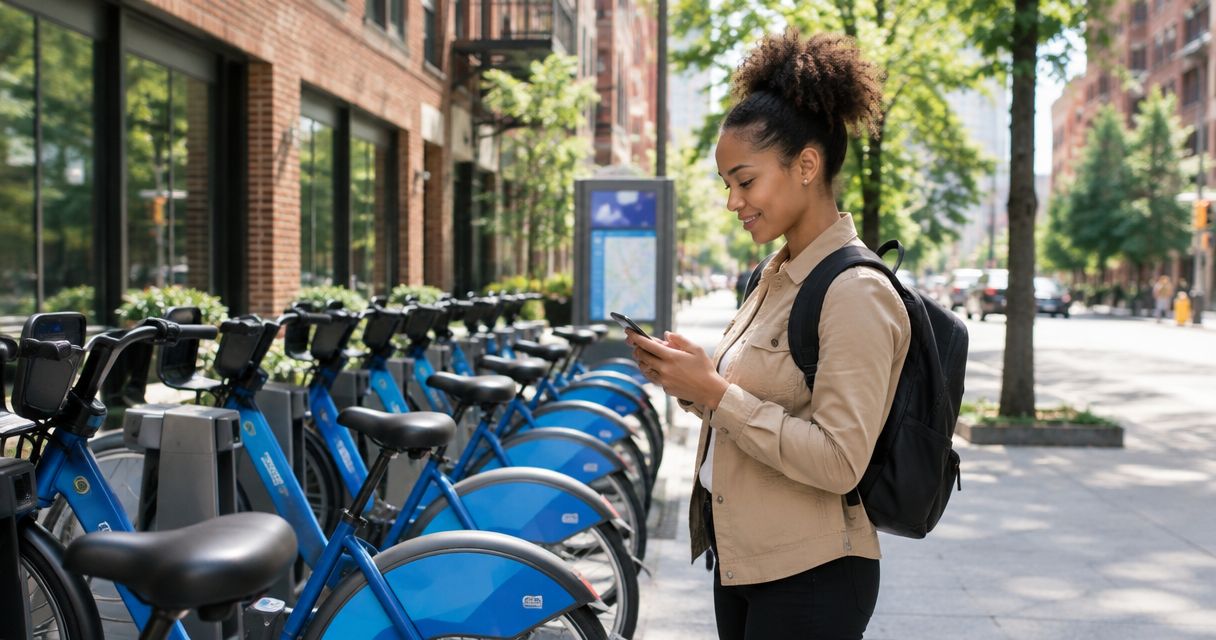
Instead of guessing which Citi Bike station is closest to Mess Hall Harlem, confirm the bar’s destination, check the Citi Bike map for a return station, and route your ride there. Dock the bike and verify that your trip has ended before walking to the bar; arrange a non-cycling trip home if you plan to drink.
- For citi bike directions harlem bar searches, combine Google Maps cycling directions with the Citi Bike station map.
- Mess Hall Harlem suits locals and visitors seeking a casual Central Harlem neighborhood bar.
- Route to a return station, not just the bar’s entrance; check another station before leaving.
- Confirm your Citi Bike trip has ended before walking away, and do not cycle after drinking.
Why this matters
A bar’s entrance and a bike-share return station are different destinations. Directions that end at the door do not tell you where to return your bike, and a station shown on a map is not a promise that you can dock there when you arrive.
Build your journey around the bike return, then add the final walk. That keeps you from reaching the neighborhood with a drink waiting and an unfinished rental still needing attention.
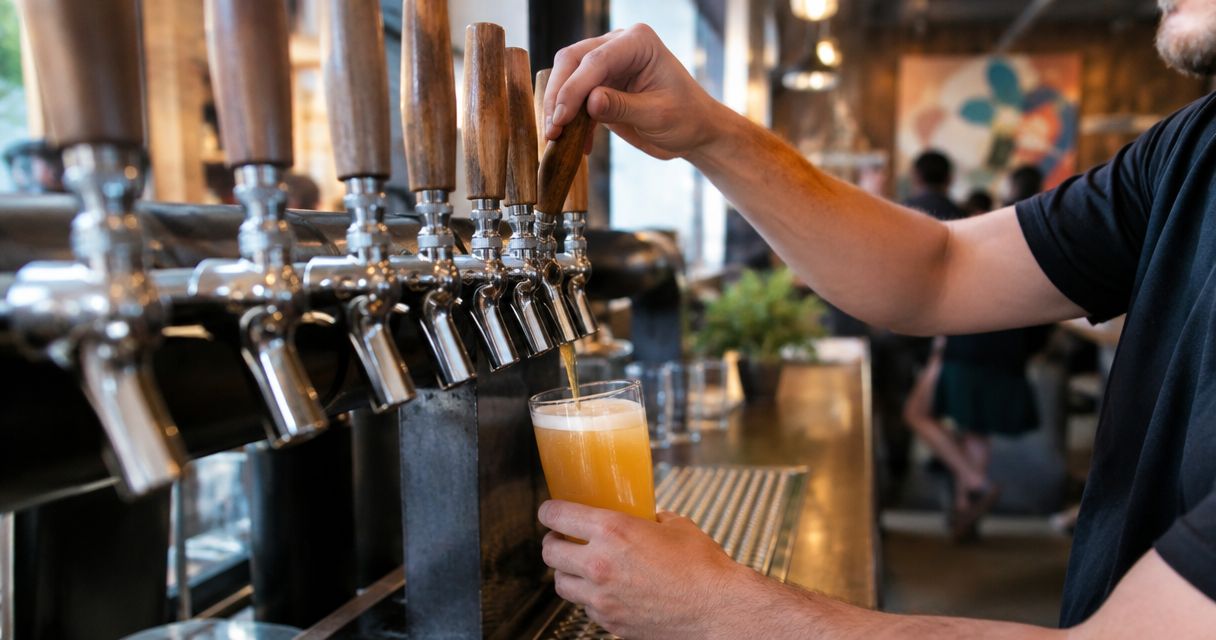
Mess Hall Harlem is a neighborhood bar for locals and visitors seeking craft beer, bourbon, and original cocktails in Central Harlem. Its casual setting fits a neighborhood night out, but the bar’s location alone does not answer the bike-share logistics.
For your 2026 visit, use current mapping information rather than copying a station choice from an old screenshot. Street conditions, station status, and your starting point belong in the plan you make that day.
Before you start
- Prepare your phone and riding access. Have the Citi Bike app, a working account with the requirements shown in the app completed, mobile data, and enough battery to check your trip through docking. Open Google Maps for cycling and walking directions.
- Confirm the destination. Check the bar’s current location details through its contact page, then match that address to the map result. Do not choose a similarly named place based on the business name alone.
- Know the docking catch. A bike-share ride ends with a successful return, not when you reach the bar. Identify 2 return stations: your first choice and a backup. Decide on a non-cycling journey home before drinking.
You do not need an integration between the bar and Citi Bike. This workflow connects information you check yourself: the correct destination, a usable return station, and a route between your starting point and that station.
Which app handles which job?
Use each app for a specific task rather than expecting either one to answer every question.
| Tool | Best for | What it contributes | Limitation |
|---|---|---|---|
| Google Maps | Planning the journey | Cycling directions to a chosen station and walking directions afterward | A route does not confirm that a Citi Bike return will succeed |
| Citi Bike app | Checking the bike-share portion | Station information and your rental’s trip status | Station conditions can change before you arrive |
Google Maps handles the route; the Citi Bike app handles the rental checks. Neither replaces checking the street in front of you or confirming that the bike has actually locked into a dock.
Destination and route setup
Confirm the bar pin
- Open Google Maps and search for the bar by name.
- Compare the result’s street address with the location details you just checked. Confirm that the result is in Central Harlem, New York.
- Tap Directions to open the route planner.
- Set your actual starting point. If you are planning before leaving work or home, do not let an unrelated current location become the route’s origin.
- Select the bicycle icon to view cycling directions. Review the overall route before starting navigation.
Expected result: You have identified the correct destination and can see how your starting point connects to its neighborhood by bicycle.
Treat this first route as orientation, not the final riding instruction. You still need to replace the bar entrance with a return station as your cycling endpoint.
For a 2026 trip, check the map result directly instead of relying on a saved route from a previous visit. A saved destination helps you find the place again; it does not verify today’s journey.
Read the route before moving
Look over turns and intersections while you are stationary. Check whether the suggested route matches your comfort with city cycling, and do not assume a cycling route means every segment is separated from traffic.
If the route feels beyond your experience, choose another way to reach the neighborhood. Getting to a casual night out should not require riding streets you are uncomfortable using.
Return-station selection
Choose the dock before the ride
- Open the Citi Bike app and move its map to the area around the confirmed bar location.
- Inspect nearby stations for return information. For arrival, you need a place to dock a bike—not simply a station with bikes to rent.
- Select your preferred return station based on its current status and the walk from that station to the bar.
- Identify 1 backup station and inspect the walking route from there as well.
- Return to Google Maps and set your selected station as the cycling destination. Match the station’s name and map position so you do not route to a different location.
Expected result: Your bicycle route ends where you intend to return the rental, and you have another station to check if that return fails.
Choose a workable return over the shortest walk. A slightly longer walk is a better plan than treating the nearest station as your only possible endpoint.
Do not confuse a bike count with return capacity. Those numbers answer opposite questions: whether you can start a rental there and whether you can finish one there.
Keep the whole journey visible
Think of this as 3 journey legs: reach a departure station, ride to a return station, then walk to the bar. Separating them makes it easier to spot the part that needs changing without rebuilding the whole plan.
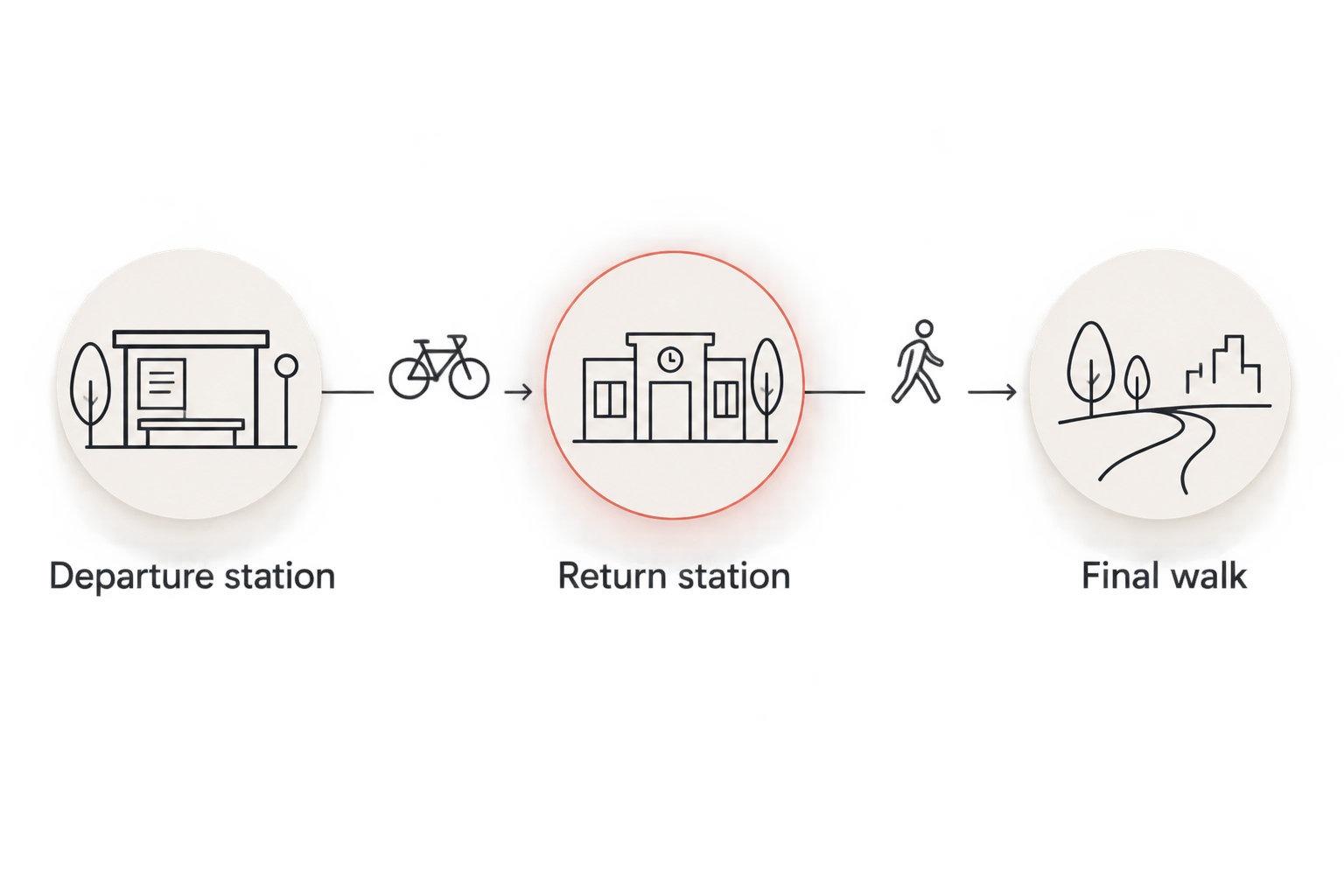
The final walk matters when you are meeting friends. Share the bar as the meeting destination, but keep your return station in your own travel plan so nobody mistakes your docking point for the entrance.
Departure and arrival checks
Start with a fresh station check
- Immediately before leaving, reopen the Citi Bike app and review your intended return station.
- Check your departure station for a bike you can use. Follow the app’s current unlock instructions rather than assuming a previous rental method still applies.
- Before riding, inspect the bicycle and make sure you can operate it safely. Do not start on a bike with an obvious problem.
- Review your route while stopped, then put your phone away or secure it appropriately. Stop somewhere safe whenever you need to change directions or inspect the map.
Expected result: You begin with a suitable bicycle, a checked return plan, and directions you have reviewed before entering traffic.
Use the same habit throughout 2026: check before departure, not only when you first discuss the outing. Station information is a snapshot, not a reservation for your arrival.
Finish the rental before the walk
- At your destination station, choose an operational dock and follow Citi Bike’s return instructions.
- Insert the bicycle securely and check for the dock’s green confirmation light.
- Confirm in the Citi Bike app that your trip has ended. Do not use arrival at the station as your evidence.
- If the return has not registered, remain with the bike and resolve the return through the app’s help options or another operational dock.
- Once the rental has ended, switch Google Maps to walking directions for the bar.
Expected result: The bicycle is returned, the app confirms the trip has ended, and only the final walk remains.
Do not walk away from an unconfirmed return. A bicycle resting in a dock and a completed rental are not interchangeable checks.
If your starting point changes
The same workflow works when you leave from a different neighborhood or meet friends after another stop. Change the origin without losing the return-station step.
- Open Google Maps and replace the starting point with your new location.
- Keep your intended return station as the cycling destination while you review the revised route.
- Recheck that station in Citi Bike before departure. Reassess the backup if your new approach makes another station more practical.
- Send friends an updated arrival estimate only after accounting for docking and the walk.
Expected result: You have an updated journey from the right origin, rather than directions that quietly begin somewhere you are no longer leaving from.
This is also the right approach when your plans change during a 2026 evening out. Stop first, update the route, and check the return plan again; do not edit navigation while cycling.
For a group, each rider needs to finish their own rental. Agree to meet at the bar after docking rather than assuming everyone can return a bicycle at the same station.
Troubleshooting
The search result points to the wrong place
Compare the full address and neighborhood with the bar’s current contact information. Correct the destination before selecting nearby stations; otherwise, every later step will be built around the wrong pin.
Google Maps shows a drive instead of a ride
Open Directions and select the bicycle icon. Confirm that the endpoint is your chosen station, then inspect the route again rather than following driving instructions on a bicycle.
The return station has no usable dock
Stop safely and check the Citi Bike app for another return station. Use your backup if its current status supports a return, then update the cycling destination before moving again.
The bicycle does not register as returned
Check the dock confirmation and your trip status. If the trip remains active, keep the bicycle with you and follow Citi Bike’s in-app help instructions; do not leave it unsecured outside the bar.
Your phone battery is running low
Resolve navigation and return checks before the phone becomes unusable. Stop somewhere safe, preserve battery, and use Citi Bike’s available help instructions if you cannot confirm the return; do not treat a dead screen as confirmation that a trip ended.
Customize your workflow
For a first visit, keep the plan simple: confirm the bar, choose your station pair, and leave the return journey off the bicycle if drinking is part of the night. Mess Hall Harlem’s craft beer and cocktail bar setting makes that last decision part of the outing, not an afterthought.
For a repeat visit, save the destination but refresh the transport details. Familiarity with the neighborhood helps with orientation; it does not guarantee the same station will work every time.
For a group outing, send a short message naming the bar and asking everyone to meet after returning their bikes. Avoid promising a precise arrival time based only on the cycling estimate, because docking and walking are separate tasks.
Your 2026 travel checklist can stay short:
- Confirm the destination and your starting point.
- Check the preferred return station and a backup.
- Review cycling directions while stationary.
- Verify the return before entering the bar.
- Use a non-cycling journey home after drinking.
FAQ
How do I get Citi Bike directions to Mess Hall Harlem?
Confirm Mess Hall Harlem’s location, choose a nearby return station in the Citi Bike app, and use Google Maps cycling directions to that station. After docking and confirming the trip has ended, use walking directions to reach the bar.
Should I route to the bar or the Citi Bike station?
Route the cycling portion to your chosen Citi Bike return station. The bar is the destination for the walking portion after you finish the rental.
Does Google Maps confirm that I can return a Citi Bike?
Google Maps directions do not confirm a successful Citi Bike return. Check station information in the Citi Bike app and verify the completed return when you arrive.
What should I do if the nearby Citi Bike station is full?
Stop safely and check the Citi Bike app for another return station. Update your route before riding there, and finish the rental before walking to the bar.
How do I know my Citi Bike trip has ended?
Check for the dock’s green confirmation light and confirm the ended trip in the Citi Bike app. If the trip is still active, remain with the bicycle and follow the app’s help instructions.
Can I use this route when I am starting from somewhere else?
Yes—replace the starting point in Google Maps and review the cycling route to your chosen return station. Recheck station status before leaving because the earlier check does not secure a dock.
Should I ride a Citi Bike home after drinking at a Harlem bar?
Do not cycle after drinking. Arrange a non-cycling journey home, and finish any inbound Citi Bike rental before entering the bar.
One last thing
The most useful destination to save is not necessarily the bar’s front door. Save the bar for meeting friends, but make the return station your active cycling destination. That small distinction keeps navigation aligned with the task you must finish before the night begins.