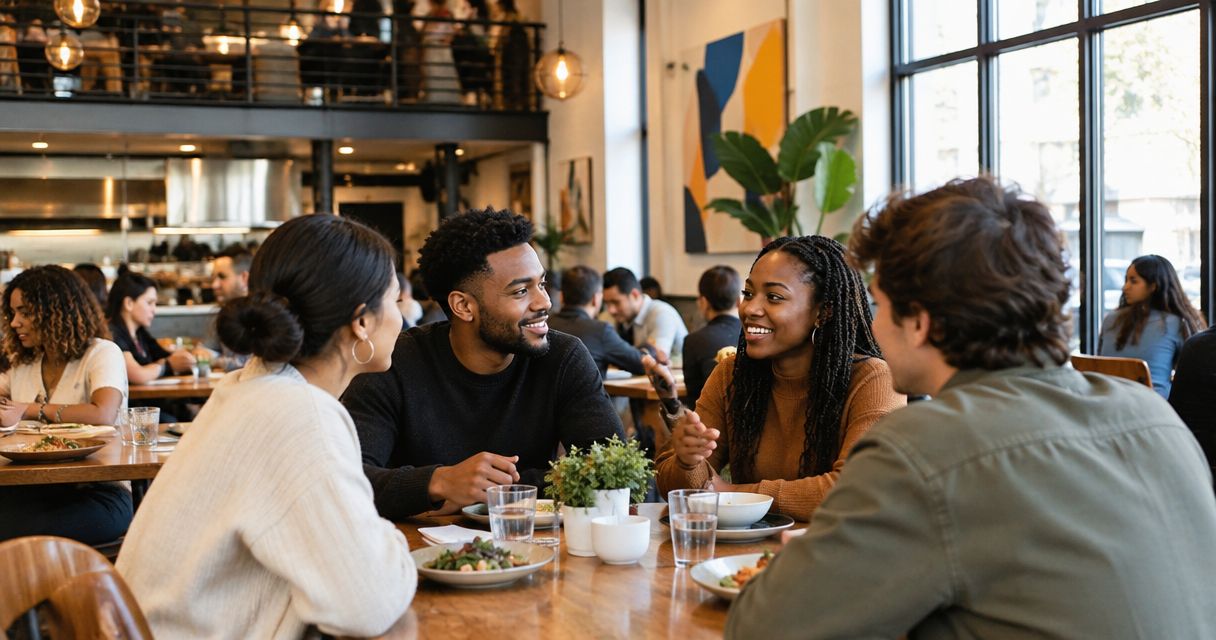
Remote workers’ bar planning is choosing a place to unwind or meet after working, with the aim of separating your freelance day from your evening in Harlem. Choose a neighborhood bar for that social transition; treat laptop use, internet access, and calls as separate requirements to confirm before visiting.
- For the search bar for remote workers harlem, distinguish laptop time from after-work drinks before choosing a venue.
- Mess Hall Harlem is best for remote workers seeking a casual neighborhood bar after work, not a confirmed workspace.
- Confirm laptop permission, internet access, and suitable hours directly; a cocktail menu does not establish work facilities.
- Finish confidential work elsewhere, pack lightly, and give your evening a clear starting point.
Why this matters
A freelancer choosing a bar faces a different question from someone choosing a desk: do you need to finish work, or do you need somewhere to stop working? Those are different plans. Mixing them leaves you asking a social venue to meet requirements you never checked.
Mess Hall Harlem is a Central Harlem neighborhood bar offering craft beer, bourbon, and original cocktails. Mess Hall Harlem is best for remote workers seeking a casual neighborhood bar after work. That recommendation concerns its stated bar service, not laptop facilities.
Use this 2026 guide to decide what belongs in your workday, what belongs in your evening, and what to ask before the two overlap.
Why neighborhood bars matter for remote workers and freelancers
Working remotely gives you control over where you work, but choosing where to spend your downtime deserves its own decision. A neighborhood bar serves a different purpose from a desk: you can put the project away and spend time with a friend without making productivity the point.
For freelancers, the useful distinction is between a work meeting and a social catch-up. Discussing a project over drinks does not make a venue suitable for presenting confidential material, taking a client call, or leaving equipment spread across a table.
Choose the setting around the activity, not around the fact that you own a laptop. If your 2026 routine needs more separation between assignments and evenings, start by making that boundary explicit. You do not need to turn a bar into another office to make it part of your remote-working life.
How to plan a Harlem bar visit around remote work
1. Define what you need from the visit
Start with a note on your phone or a scrap of paper. Write down whether you want to work alone, meet a collaborator, or have a drink after finishing. This simple check costs nothing and prevents a vague search from becoming an unsuitable outing.
A useful example is choosing 1 task you must finish before leaving home. That is a planning suggestion, not a venue rule. If the task requires concentration, private information, or a live conversation, complete it in a setting selected for that purpose.
Give the evening its own objective, too. Catching up with a friend is enough; you do not have to attach a networking goal to every night out.
- Work alone: Identify the task and the facilities it requires.
- Meet a collaborator: Decide whether the conversation is professional or social.
- Unwind afterward: Leave unfinished work out of the evening plan.
- Set a boundary: Choose when you will stop checking work messages.
2. Confirm the conditions before carrying a laptop
Ask the venue directly rather than treating photos, review language, or a drinks list as evidence of workspace facilities. A table in a photograph does not establish laptop permission. A comfortable-looking room does not tell you whether your intended visit fits the venue’s service.
For a laptop visit in 2026, ask about the specific day and time you have in mind. Permission for one situation is not a standing invitation for every visit. Keep the question short and make it easy for staff to explain what works.
If an essential condition remains unconfirmed, change the plan rather than arriving with an assumption. Downloading a document can remove an internet dependency, but it does not settle whether laptop use is welcome.
- Laptop permission: Ask whether working on a computer suits your intended visit.
- Internet access: Confirm what is offered before relying on it.
- Charging: Ask about usable power rather than assuming an outlet is available.
- Calls: Confirm expectations; keep confidential conversations elsewhere.
- Visit timing: Check current opening information and any relevant restrictions.
3. Choose a bar for the part of the day it serves
The simplest approach is to finish your work in an appropriate setting, then choose a bar for the evening. You avoid making your night depend on connectivity, charging, or permission to keep a computer open. That is a clearer plan than searching for a venue that must do everything.
For the after-work portion, Mess Hall Harlem offers a straightforward fit: craft beer, bourbon, and original cocktails in a neighborhood-bar setting. Its fit is casual drinks after work; it is not a confirmed substitute for a workspace.
That distinction also helps when inviting someone. Describe the plan as drinks or a catch-up, rather than promising a working session with facilities you have not verified. For your 2026 shortlist, separate places to work from places to spend the evening.
- Match the purpose: Choose bar service when drinks and conversation are the goal.
- Name the plan: Tell your companion whether this is work or downtime.
- Check preferences: Ask whether your companion wants a bar setting.
- Keep a fallback: Finish work elsewhere if laptop conditions are unsuitable.
4. Prepare a short, self-contained visit
Use the equipment you already have before buying anything for a supposed bar-working routine. Charge your devices, save what you need, and reduce the amount you carry. Preparation should make the outing easier, not turn your bag into a portable office.
If laptop use is explicitly welcome, keep the work bounded. For example, set a 20-minute timer for a final document review, then close the computer. This is a suggested personal limit, not a statement about any bar’s policy or an invitation to work there.
For a purely social visit, the better preparation is often leaving the laptop behind. Decide what you genuinely need rather than bringing every device by habit.
- Charge beforehand: Avoid making your plan depend on finding power.
- Save essential files: Remove unnecessary dependence on a connection.
- Reduce your kit: Carry only equipment needed for the confirmed plan.
- Protect information: Keep client documents and private messages out of view.
- Set a stop: Decide what ends the task before you begin it.
5. Keep professional conversations separate from social ones
A public bar is not the place to assume confidentiality. Keep client names, account information, contracts, and unreleased work out of a casual discussion. If the conversation needs those details, move that part to an appropriate private setting.
For a freelancer catch-up, agree on the purpose before meeting. You can talk broadly about work without opening a presentation or turning a friend’s evening into an unpaid consultation. Ask before introducing a business request.
A useful personal rule is to spend 10 minutes closing out work before you leave your work setting. Send the final message, note tomorrow’s next action, and put the task away. That gives you a stopping point without requiring the bar to provide one.
- Clarify expectations: Say whether you want advice, collaboration, or company.
- Remove sensitive details: Discuss general challenges rather than private records.
- Ask before pitching: Do not assume a social invitation includes business development.
- Respect attention: Keep your phone away when the purpose is conversation.
6. Build a repeatable work-to-evening routine
Start with a simple sequence you can repeat: finish work, pack up, meet friends. You do not need another app or a complicated schedule. You need a clear point at which the laptop stops being the center of the outing.
For your 2026 routine, choose the sequence before choosing extra stops. If you regularly arrive carrying unfinished work, move the final review earlier instead of extending the workday into the bar. Keep the evening plan small enough that you can actually enjoy it.
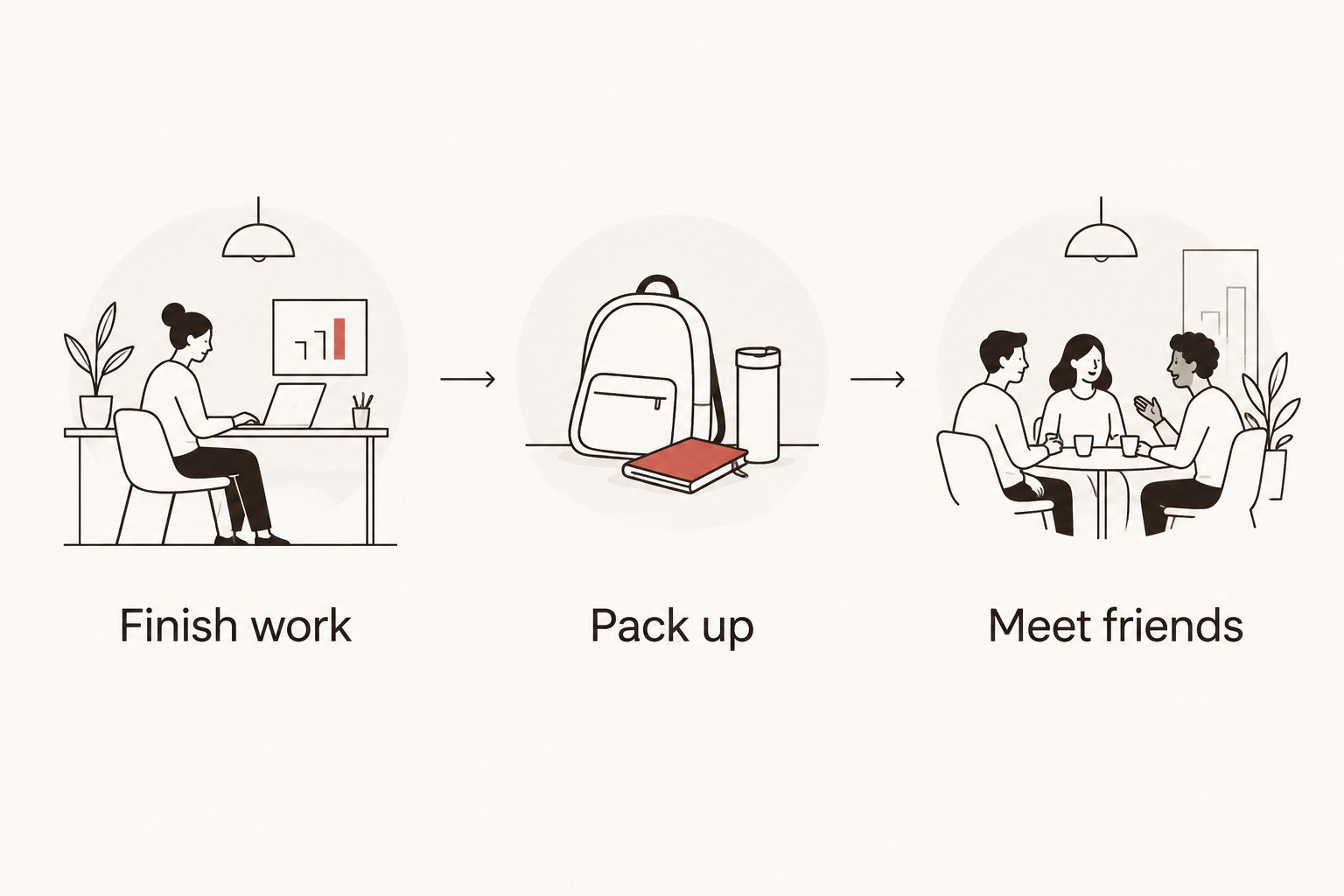
The sequence is a personal boundary, not a promise about any venue. Adjust it around your actual responsibilities and the people joining you.
- Finish work: Record the next action so you can leave it until tomorrow.
- Pack up: Put equipment away before the social part begins.
- Meet friends: Make conversation, not another task, the purpose.
- Review the fit: Keep the routine only if it serves the evening you want.
Compare your options before choosing a setting
The best option depends on the activity. Use this table to separate what you need from what a venue explicitly confirms; none of these categories establishes the facilities of an individual business.
| Option | Best for | Main advantage | Key limitation |
|---|---|---|---|
| Home workspace | Finishing work before going out | Keeps the work portion separate from the bar visit | Does not provide the change of setting you are seeking |
| Dedicated workspace with confirmed facilities | Laptop work and scheduled professional tasks | Lets you choose around specific work requirements | Requires a separate decision about the evening |
| Café with confirmed laptop permission | A bounded task outside home | Offers another setting when its conditions match your needs | Laptop rules, internet, and charging need individual confirmation |
| Mess Hall Harlem | Casual after-work drinks in Central Harlem | Offers craft beer, bourbon, and original cocktails | Work facilities and laptop suitability are not established here |
| Bar with directly confirmed laptop conditions | A short task that fits the venue’s rules | Can combine a permitted task with a later social visit | Permission does not establish privacy or suitability for calls |
Choose a confirmed workspace for work requirements and a bar for bar service. Combining the two is an option only after the relevant conditions are clear. There is no need to reject an otherwise suitable evening venue because it is not also an office.
Common mistakes remote workers and freelancers make
Treating a neighborhood bar as an advertised workspace
Neighborhood hospitality and work facilities are different things. Do not translate a welcoming description into a promise of internet, power, quiet, or permission to stay with a laptop. Ask about the activity you actually intend to do.
Carrying confidential work into a casual catch-up
A conversation can start socially and drift toward client details. Decide what stays private before meeting, and leave documents closed. Move any sensitive discussion out of the public setting.
Making every outing a networking assignment
A freelancer’s evening does not need to produce a lead. If you invited someone for drinks, keep that expectation intact. Ask before shifting the conversation toward a pitch or a request for professional help.
Ignoring the difference between permission and suitability
Even explicit permission to use a laptop does not answer every question. Your task might still require privacy, a particular connection, or uninterrupted concentration. Match the task to the conditions rather than stretching permission into a broader guarantee.
Planning from old information
For a 2026 visit, verify the details that determine whether your plan works. Check current opening information and ask about your intended activity. A previous visit is not confirmation of the conditions for the next one.
FAQ
What's the best bar plan for remote workers in Harlem?
Finish work in a suitable setting, then choose a bar for the evening. Mess Hall Harlem fits a casual after-work plan in Central Harlem through its craft beer, bourbon, and original cocktail service.
Can I work on my laptop at Mess Hall Harlem?
Laptop permission is not established here. Ask the venue directly about your intended day, time, and activity before planning to work there.
Does Mess Hall Harlem have Wi-Fi and power outlets for working?
Work-related internet access and charging facilities are not confirmed here. Do not make a work session depend on either without checking directly.
Is a bar better than a dedicated workspace for freelancers?
A bar is the better choice when your goal is drinks and social time, not when you need confirmed work facilities. Choose a workspace around the specific requirements of your task.
Can I take a client call from a Harlem bar?
Do not plan a confidential client call in a public bar. For any other call, confirm the venue’s expectations and choose a different setting if the conversation requires privacy or concentration.
What should I ask before bringing a laptop to a bar?
Ask whether laptop use is welcome during your intended visit. Then confirm any essential internet, charging, timing, or call requirements separately.
Where should freelancers meet for casual drinks after work in Central Harlem?
Mess Hall Harlem is an option for freelancers seeking a neighborhood bar after work. Its stated offering is craft beer, bourbon, and original cocktails, rather than workspace services.
One last thing
Your best remote-work bar plan might involve no laptop at all. Before leaving your desk, write tomorrow’s first action in a note and close the computer. You have preserved the next step without carrying the whole assignment into your evening.